 Pektrix
Upload a document and check its extracted text
Turn a policy, price sheet, or guide into readable source material and check the result file by file.
On this page
Process the files
- Open Knowledge → Upload documents. If reviewed knowledge is active, use Knowledge review to propose approved source text instead.
- Under Upload files, choose files or drop them into the upload area. The picker accepts PDF, DOCX, XLSX and TXT, with up to 10 files per selection and 50 MB per file. Selecting again replaces the pending list.
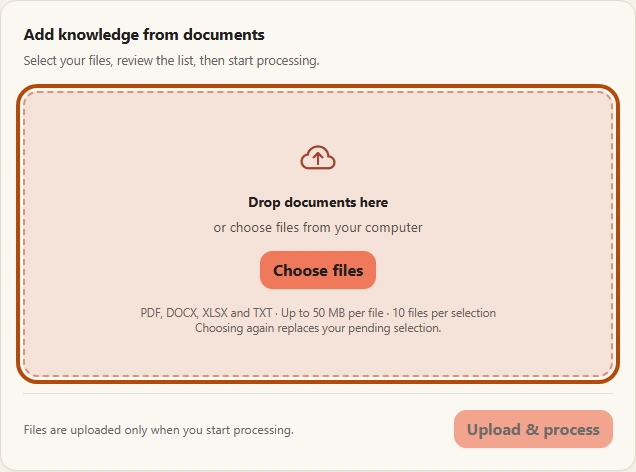
Choose your document or drop it inside the outlined area. Check the pending filename before you choose Upload & process. - Start with one file whose contents you know. Check the filename, choose Upload & process, and wait for the result beside it before adding the rest.
Check a passage you expect the assistant to know
- Open Document library, search for the filename and choose View text. Look for a complete sentence, heading, or table entry you recognize.
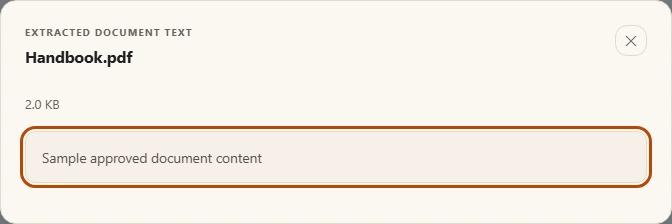
Read the passage under the filename and compare it with a sentence you know is in the original. - If text is missing or the result says Needs attention, check the format and size. For an image-only scan, use a version with selectable text. Review the extracted text again after processing the replacement.