 Pektrix
Resolve a channel reply that needs attention
Check a saved reply before retrying or cancelling an outbound message.
On this page
Identify the reply
- Open Channels → Channel delivery review, or choose Replies needing attention in Inbox. Refresh the list and use Open conversation to read the saved reply in context.
- Compare the conversation and reply identifiers with the case you are handling. An unconfirmed outcome means the customer may already have received the message.
Review the available action
- When the channel explicitly rejected the saved reply, use Retry this exact reply to submit that same reply again. Use Cancel unsent reply to stop work that has not yet been sent.
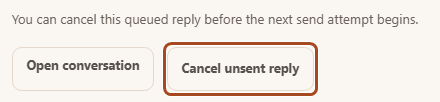
Open the conversation to check the reply first. Cancel unsent reply can stop it before the next send attempt begins. - Refresh the list and recheck the thread or destination channel. A message already accepted by the provider cannot be recalled by cancelling unsent work.