 Pektrix
Check a store order or calendar connection
Verify that Pektrix can read an order or a day’s calendar from a configured business account.
On this page
Check store access
- As the owner, open Integrations → Integration settings. Select Refresh connections. If the account shows Setup required, arrange the account connection before running a check.
- Under Look up an order, select Shopify or Salla. Copy the internal numeric order ID from your store administration and choose Check order. Compare the returned reference and status with the order in the store.
Check calendar access
- Under Check calendar busy times, select a date in UTC and choose Check calendar. Compare the reported busy periods with the connected calendar for that day.
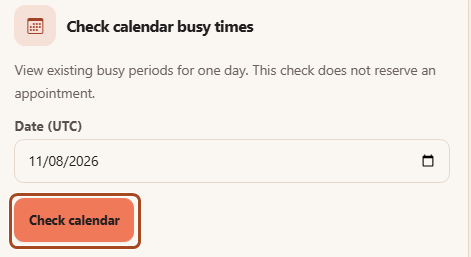
Choose a day with a known event, then select Check calendar to compare its busy periods with your calendar. - To verify a connection that returns no busy periods, choose a date with a known calendar event. This check reads a day’s availability without booking an appointment.