 Pektrix
Offer a platform AI provider to a workspace
Save a protected provider profile, offer a specific version to a business, or configure shared defaults.
On this page
Save a protected provider
- Open Platform AI providers as a platform administrator. This screen requires protected providers to be enabled for the installation. Check Approved destinations before entering a provider address.
- Choose New profile and enter a name, provider type, address, model, and data destination description. Set any required credential in the provider's key field and review token limits, temperature, and cost estimates.
- Choose Save protected platform profile. Check Saved platform providers for the profile. Plan a separate answer test for the selected model.
Set shared defaults or offer a version to a business
- For workspaces using shared defaults, choose Shared primary and Shared backup and select Save shared pair. Automatic routing requires protected provider routing to be enabled.
- To offer a profile directly, use Offer a provider to a workspace. Choose the provider and the intended workspace, then select Offer current provider version. The workspace owner must approve that version and its routes in the workspace.
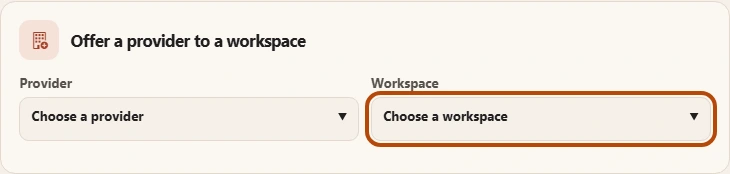
Choose the provider, then the workspace that should receive this version. Verify the workspace name before offering it. - After changing a protected profile or rotating its key, offer the new version and ask owners to renew approvals. Review any shared pair that used the previous version.