 Pektrix
Connect a Telegram bot to the inbox
Use a BotFather token and verify reception with a message from a Telegram account.
On this page
Connect the bot
- In Telegram, open BotFather and use /newbot to create the bot. In Pektrix, open Channels → Telegram and paste its token into Bot token.
- Select Enable Telegram and choose whether the workspace should send Automatic replies. Choose Connect or Save and connect, depending on the current state. Check the connection status.
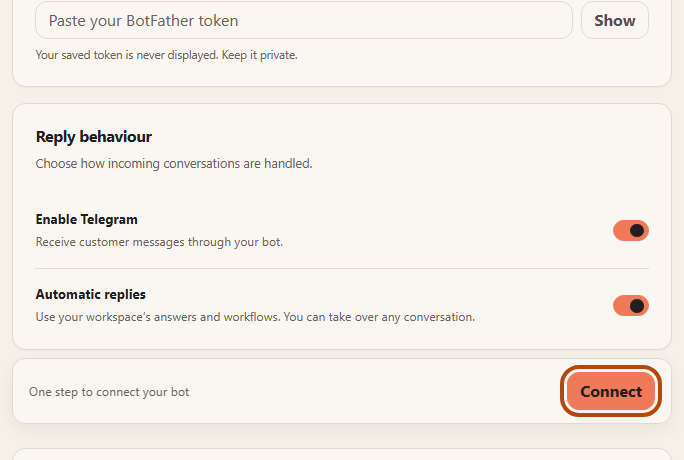
After entering the bot token, choose the reply behaviour you want and select Connect.
Send the first test
- Choose Open bot in Telegram, select Start and send a distinctive text message. Return to Pektrix and choose Open inbox to find it.
- If the message arrives but no generated answer appears, check Automatic replies and the workspace’s AI provider. On a local testing connection, keep the application running while testing reception.